

TP-Link Access Points
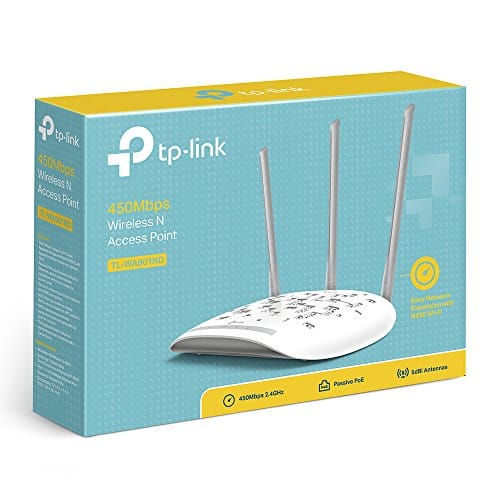
TP-Link TL-WA901ND 450Mbps Wireless N Access Point
TP-Link TL-WA901ND 450Mbps Wireless N Access Point The TP-Link TL-WA901ND 450Mbps Wireless N Access Point helps improve Wi-Fi coverage in homes and offices. It provides wireless speeds of up to 450Mbps for smooth network…
KSh 4,500.00Listed product price · confirm current availability with Starmount.
Request a quote for this product Discuss it on WhatsApp
Equipment supplyInstallation enquiriesDirect team contact
Know what you’re choosing
Product information
TP-Link TL-WA901ND 450Mbps Wireless N Access Point
The TP-Link TL-WA901ND 450Mbps Wireless N Access Point helps improve Wi-Fi coverage in homes and offices. It provides wireless speeds of up to 450Mbps for smooth network use.
Use it to connect phones, laptops, tablets, smart TVs, and other Wi-Fi devices. It supports Access Point, Repeater, Bridge, and Client modes. This makes it useful for different network setups.
The TL-WA901ND also uses external antennas to help provide better Wi-Fi coverage. It works well in homes, offices, hotels, schools, shops, and other business spaces.
Key Features
- 450Mbps Wireless Speed for fast and stable Wi-Fi
- Wireless N Technology for better network performance
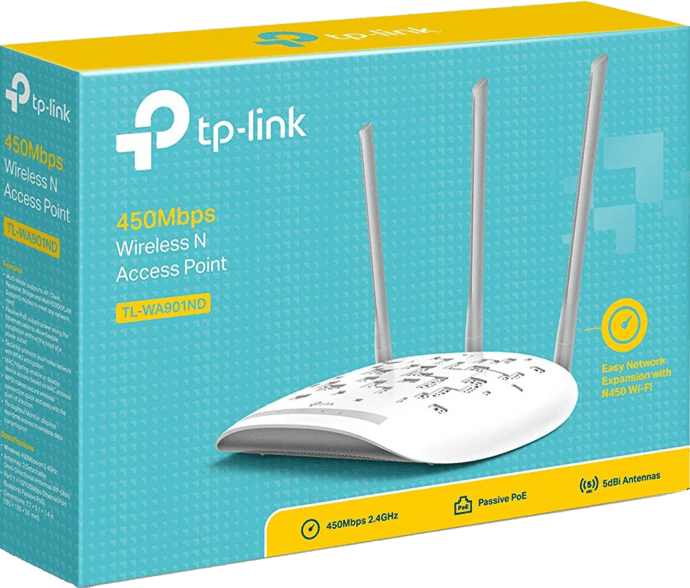
- Three External Antennas for wider Wi-Fi coverage
- Multiple Modes – Access Point, Repeater, Bridge, and Client
- 2.4GHz Wi-Fi for reliable wireless connections
- WPS Button for quick and easy setup
- Ethernet Port for wired network connection
- Supports Multiple Devices such as phones, laptops, and tablets
- Suitable for Homes, Offices, Hotels, Schools, and Shops
- Easy Web-Based Setup for simple network management
Advantages & Benefits:
-
450Mbps Wireless Speed – Smooth HD streaming, online gaming, and fast browsing.
-
Wide Wi-Fi Coverage – Strong signal for larger areas and extended reach.
-
Multiple Operation Modes – Access Point, Repeater, Client, and Bridge modes for flexible use.
-
High-Gain Antennas – Improved signal strength and stable wireless performance.
-
Easy Setup & Management – Simple web-based configuration.
-
Secure Wireless Network – WPA/WPA2 encryption for safe connectivity.
-
Fast Ethernet Port – Reliable wired connection to routers or switches.
-
Power over Ethernet (PoE) Support – Flexible installation with power and data over one cable.
-
Ideal for Home & Office Use – Perfect for extending or building wireless networks.
Quick Setup Guide
-
Connect Ethernet Cable – Link the access point to your router or switch.
-
Power On – Use the power adapter or PoE injector.
-
Access Web Interface – Log in to configure mode, SSID, and password.
-
Position for Coverage – Place in an open area for best signal.
-
Enjoy Extended Wi-Fi – Stable, fast wireless coverage is now active.
More options
All tp-link access points Related products.
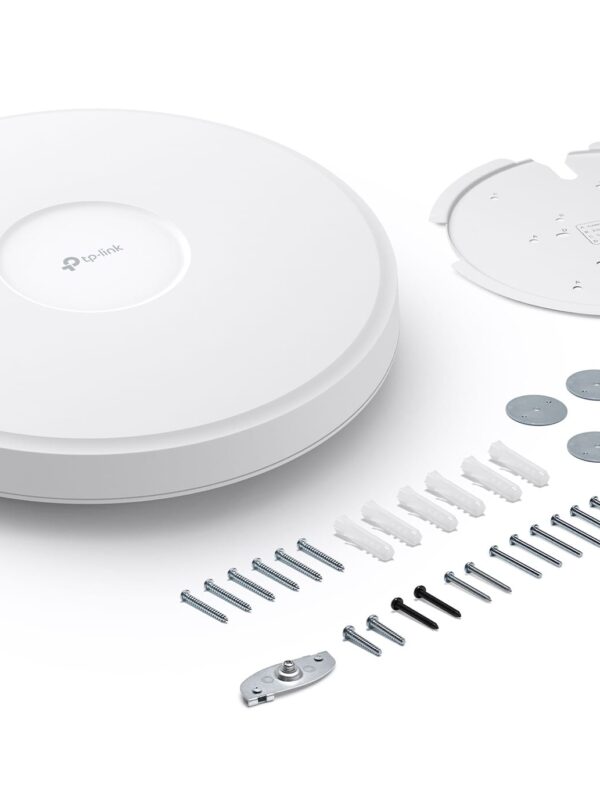
Omada Pro BE19000 Ceiling Mount Wi-Fi 7 Access Point AP9778
TP-Link Access Points
KSh 20,000.00
Add to cart

TP-Link EAP115 300Mbps Wireless N Ceiling Mount Access Point
TP-Link Access Points
KSh 5,500.00
Add to cart

TP-Link 2.4GHz 300Mbps 9dBi Outdoor CPE CPE210
TP-Link Access Points
Original price was: KSh 7,000.00.KSh 6,000.00Current price is: KSh 6,000.00.
Add to cart
The next step is a conversationA single product.
A single product.
Or your next big project.
Tell us what you need. Let’s find the right equipment and approach.