


D-Link switches
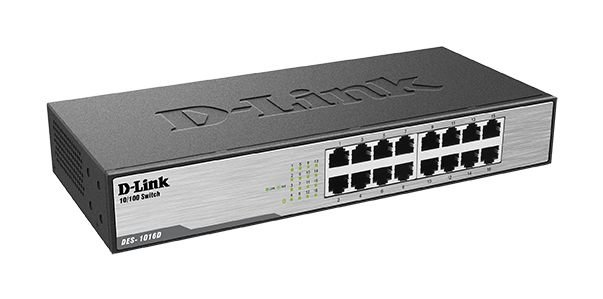
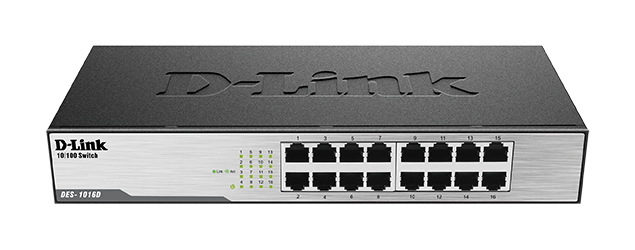
16‑Port Unmanaged Rackmount/Desktop Switch DES‑1016D
Key Product Description: Sixteen 10/100 Mbps Fast Ethernet ports 2 Gbps switching fabric D-Link DES-1016D 16-Port 10/100 Unmanaged Desktop Rackmount Switch is a plug and play. Auto MDI/MDIX crossover for all ports Built-in D-Link Green Technology Inexpensive Fast Ethernet solution for Home/SOHO
KSh 6,000.00Listed product price · confirm current availability with Starmount.
Request a quote for this product Discuss it on WhatsApp
Equipment supplyInstallation enquiriesDirect team contact
Know what you’re choosing
Product information
D-Link DES‑1016D – A compact and reliable 16‑port Gigabit unmanaged switch designed for homes, offices, and small businesses. 16‑Port Unmanaged Rackmount provides fast, stable network connectivity with the flexibility of desktop or rackmount installation.
Advantages & Benefits:
-
16 Gigabit Ports – High-speed 10/100/1000Mbps connections for multiple devices.
-
Rackmount or Desktop Design – Flexible placement options to suit office setups.
-
Plug-and-Play Setup – No configuration needed; connect devices and start networking immediately.
-
Reliable & Stable Performance – Smooth data transfer for work, streaming, and online activities.
-
Energy Efficient – Reduces power consumption while maintaining performance.
-
LED Indicators – Monitor link and activity status for each port at a glance.
-
Durable & Long-Lasting – Designed for continuous operation in office or home environments.
-
Supports Network Expansion – Ideal for growing offices or home networks.
-
Versatile Device Support – Connect computers, printers, IP cameras, and other Ethernet devices.
Quick Setup Guide:
-
Place the Switch – Install on a desk or rack depending on preference.
-
Connect Devices – Plug Ethernet cables from computers, printers, or other devices into the ports.
-
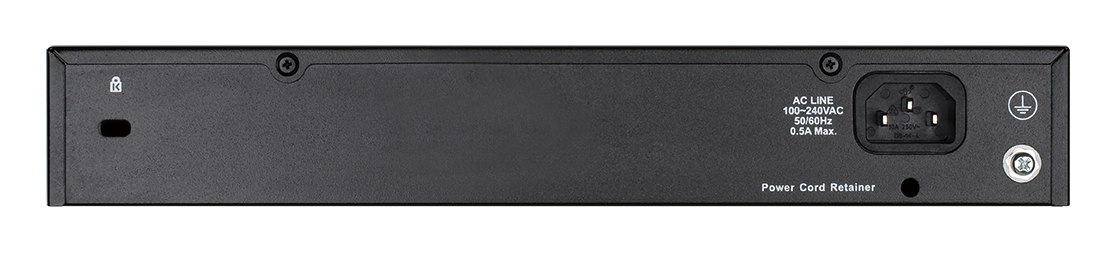
Power On – Connect the power adapter and turn on the switch.
-
Check LEDs – Ensure link and activity lights indicate active connections.
-
Start Networking – Devices now enjoy fast, stable Gigabit connectivity.
More options
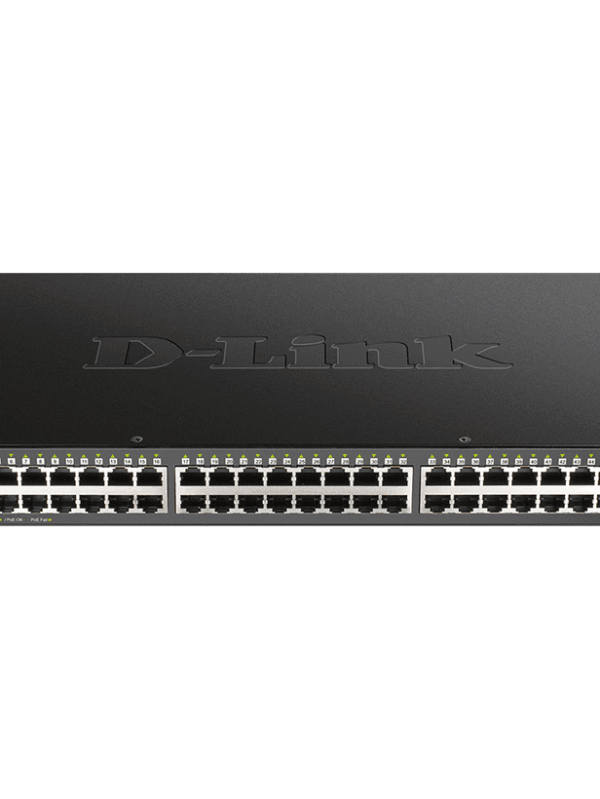
All d-link switches Related products.

![Ubiquiti Standard 24-Port Gigabit Switch [USW-24-POE]](https://starmount.co.ke/wp-content/uploads/2026/04/usw-24-poe-600x799.png)
The next step is a conversationA single product.
A single product.
Or your next big project.
Tell us what you need. Let’s find the right equipment and approach.