


TP-Link TL-WA901ND 450Mbps Wireless N Access Point
TP-Link Access Points
KSh 5,220.00 Including VAT (Before VAT: KSh 4,500.00)
Add to cart
300Mbps Wireless N Gigabit Ceiling Mount Access Point EAP120
The TP-Link EAP120 300Mbps Wireless Gigabit Ceiling Access Point is a reliable WiFi Access Point designed for offices, hotels, schools, and businesses. It delivers wireless speeds of up to 300Mbps on the 2.4GHz band for stable internet connections. Additionally, this TP-Link Ceiling Mount Access Point features a Gigabit Ethernet port for fast wired networking. Its compact ceiling design also provides a neat and professional installation. Moreover, the TP-Link EAP120 Wireless Access Point supports centralized network management for easier control. Therefore, it is a practical choice for businesses looking for a 300Mbps WiFi Access Point in Kenya.
300Mbps Wireless Speed – Smooth browsing, streaming, and video calls.
Gigabit Ethernet Port – High-speed wired connection for devices like PCs or switches.
Ceiling-Mount Design – Unobtrusive installation for wide-area WiFi coverage.
Supports Multiple Users – Handles several devices without slowing the network.
Seamless Roaming – Smooth handoff between access points for uninterrupted connectivity.
Centralized Management – Manage multiple EAPs easily via TP-Link Omada Controller.
Secure Network – Password-protected access ensures safe connections.
Energy Efficient & Durable – Low power consumption with long-lasting performance.
Perfect for Offices & Public Spaces – Reliable coverage for high-traffic areas.
Mount the Access Point – Secure to the ceiling using included hardware.
Connect Network & Power – Use PoE or standard power adapter to power the AP.
Configure WiFi – Access the device via web interface or Omada Controller to set SSID and password.
Connect Devices – Devices can now join the wireless network or wired connection.
Monitor & Manage – Use the controller or LEDs to track performance and ensure smooth connectivity.
TP-Link Access Points

TP-Link Access Points
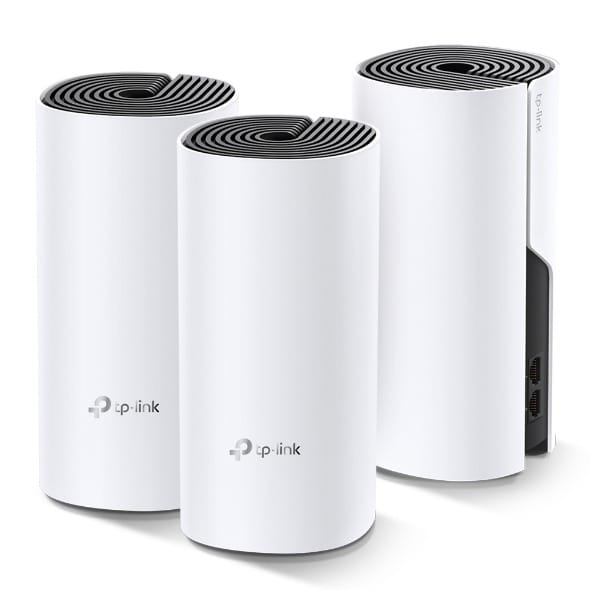
TP-Link Access Points
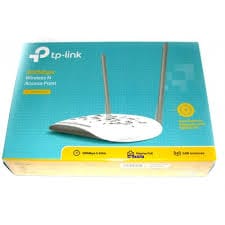
TP-Link Access Points
Tell us what you need. Let’s find the right equipment and approach.