

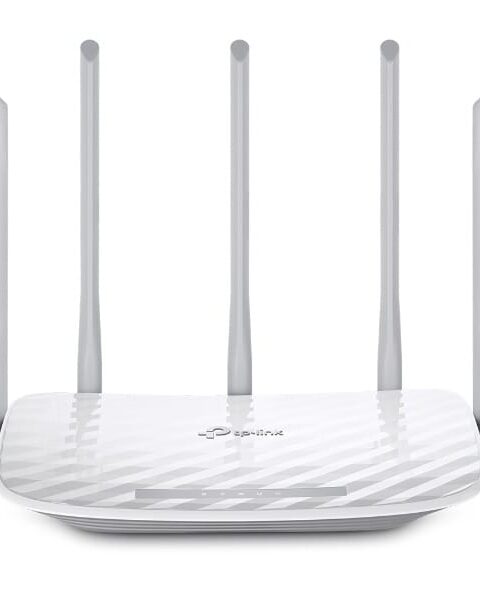
AC1350 Dual Band Wi-Fi Router archer c60
TP-Link Routers
KSh 6,380.00 Including VAT (Before VAT: KSh 5,500.00) + VAT
Add to cart
TP-Link TL-WR941HP – A high-power 450Mbps Wireless N router designed to deliver extended Wi-Fi coverage, faster speeds, and stable connectivity for homes and small offices. 450Mbps High Power perfect for HD streaming, online gaming,…
TP-Link TL-WR941HP – A high-power 450Mbps Wireless N router designed to deliver extended Wi-Fi coverage, faster speeds, and stable connectivity for homes and small offices. 450Mbps High Power perfect for HD streaming, online gaming, and connecting multiple devices without interruption.
Advantages & Benefits:
450Mbps Wireless Speed – Smooth streaming, gaming, and browsing for multiple devices.
High-Power Signal – Stronger and wider Wi-Fi coverage, reducing dead zones.
Connect Multiple Devices – Supports several users without slowing the network.
Easy Setup – Quick web-based setup with WPS button for secure connection.
Secure Network – WPA/WPA2 encryption protects your data and network.
4 Fast Ethernet LAN Ports – Reliable wired connections for PCs, smart TVs, or gaming consoles.
Stable & Reliable Performance – Consistent connectivity for everyday use.
Compact & Durable Design – Fits neatly in any home or office space.
Ideal for Homes & Small Offices – Reliable Wi-Fi for daily internet needs.
Quick Setup Guide:
Connect to Modem – Plug the WAN port into your modem using an Ethernet cable.
Power On – Connect the power adapter and switch on the router.
Connect Devices – Join Wi-Fi or use LAN ports for wired devices.
Configure Wi-Fi (Optional) – Access the web interface to set SSID, password, and security.
Enjoy Extended, Fast Wi-Fi – Your devices now have strong, reliable wireless connectivity.
TP-Link Routers

TP-Link Routers
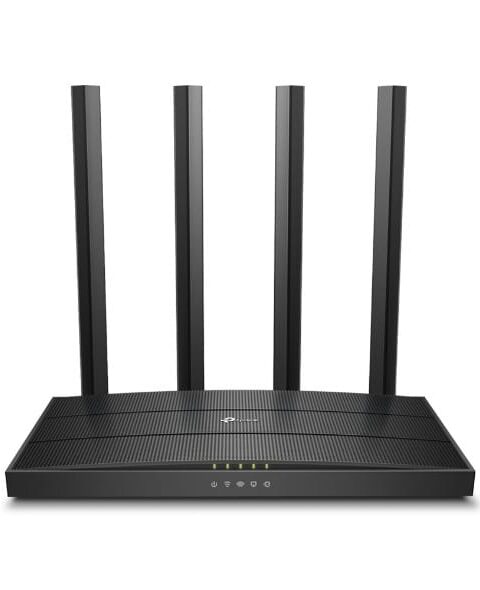
TP-Link Routers

TP-Link Routers
Tell us what you need. Let’s find the right equipment and approach.