

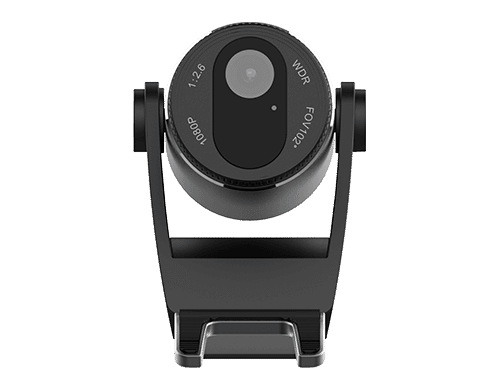
Fanvil CM60 Portable HD USB Camera with 1080P
Bluetooth Speaker Phones
KSh 7,540.00 Including VAT (Before VAT: KSh 6,500.00) + VAT
Add to cart
Key Features & Considerations Multicast/Paging: Supports up to 10 multicast zones for group announcements. Talkback: Built-in microphone allows two-way communication with a connected intercom or phone. Emergency Integration: Can connect to smoke detectors, door sensors, and emergency buttons for alerts. Compatibility: Adopts standard SIP 2.0 for broad compatibility with VoIP systems.
Introduction
Fanvil FH-S01 SIP Ceiling; To begin with, the Fanvil FHS-01 represents a professional SIP ceiling speaker that provides efficient paging, broadcasting, and intercom functionality. Moreover, the Fanvil FH-S01 SIP suits schools, hospitals, hotels, offices, and shopping malls that demand clear, consistent sound. Furthermore, its design merges modern technology with reliable performance, which ensures seamless communication in various environments. Therefore, organizations that require a simple yet intelligent audio solution can depend on the FHS-01.
http://[speaker_IP]), and log in with default credentials (username: admin, password: admin).To summarise the benefits clearly:
It integrates smoothly with SIP-based communication systems.
Supports both paging and two-way intercom communication.
It simplifies wiring through PoE power delivery.
Delivers high-definition, crystal-clear audio.
It enables multiple broadcast zones with priority control.
Installs quickly and requires minimal maintenance.
It fits elegantly in ceilings, preserving room aesthetics.
Consequently, organizations gain flexibility, efficiency, and professionalism through this single compact device.
Bluetooth Speaker Phones
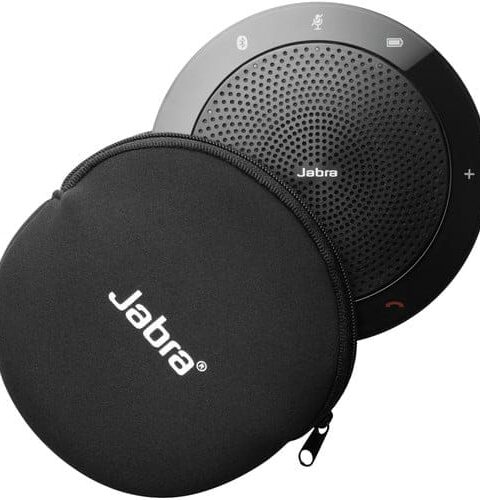
Bluetooth Speaker Phones

Bluetooth Speaker Phones
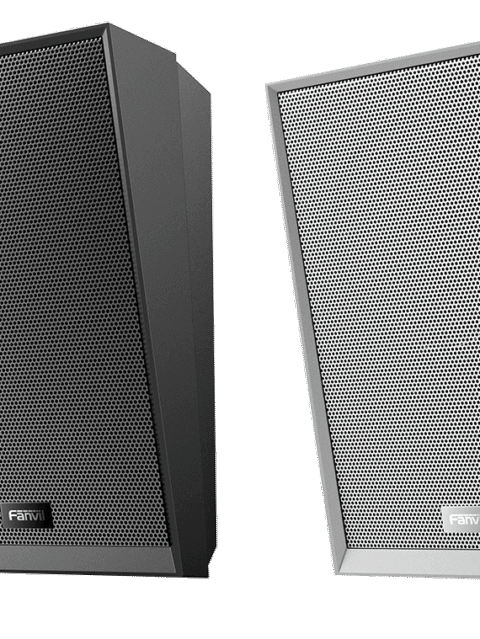
Bluetooth Speaker Phones
Tell us what you need. Let’s find the right equipment and approach.