


Wireless N150 USB Adapter DWA-125
D-Link Adapters
KSh 1,500.00 Including VAT (Before VAT: KSh 1,500.00) + VAT
Add to cart
CRS125-24G-2HW MikroTik Wireless Router
To start, the MikroTik CRS125-24G-2HnD-IN is more than a router. MikroTik Wireless Router also works as a switch and a wireless access point. Because of this, it’s perfect for homes, offices, and small businesses. Also, it helps reduce clutter by combining three devices in one.
This router runs on RouterOS, MikroTik’s advanced operating system. Because of this, you get full control of your network. Also, it offers tools for routing, firewall, VPN, bandwidth control, and more.
First, the router includes 24 fast Ethernet ports. Since each port supports gigabit speeds, you get stable and fast connections for all devices. Also, you can manage each port with custom settings.
In addition to wired ports, the CRS125 includes 2.4GHz Wi-Fi. So, you don’t need a separate wireless router. Also, it supports 802.11b/g/n standards for wide device compatibility.
Because quick access matters, the router has a color touchscreen display. You can use it to check system info or restart the device. Also, it gives basic control without using a computer.
With a Level 5 RouterOS license, you can create advanced network setups. For example, you can use it for routing, VPN, VLANs, and hotspot management. Also, it supports many users and complex features.
The router uses a 600 MHz CPU and has 128 MB of RAM. Because of this, it runs fast and handles heavy network traffic. Also, it uses passive cooling, so it runs quietly without fans.
24x Gigabit Ethernet ports
1x SFP port (for fiber connection)
Built-in 2.4GHz Wi-Fi (up to 1000mW)
RouterOS Level 5 license
600 MHz CPU, 128 MB RAM
USB port for 3G/4G modem or storage
Touchscreen LCD
Desktop case (rackmount option available)
First, connect your internet cable to the router. Then, connect your wired devices to the Ethernet ports. After that, set up the router using the QuickSet tool. Also, the interface is clear and simple, even for beginners.
You can manage the CRS125 using:
WinBox (MikroTik’s desktop tool)
Web browser (GUI)
SSH or Terminal (for advanced users)
Because of these options, both new and expert users can work with it easily. Also, you can monitor traffic, set limits, and control users in real time.
This router is ideal for:
Small and medium offices
Home networks with many devices
Tech labs and training centers
Retail shops and small business setups
Users needing both wired and wireless options
Also, it works well in places where Wi-Fi and LAN connections are both needed.
Compared to basic routers, this model gives you more:
More ports for wired connections
Better control of traffic and bandwidth
Built-in Wi-Fi and switching
Strong security features
High performance under load
So, if your current router can’t keep up, this is a solid upgrade.
MikroTik is trusted by IT pros worldwide. Because of their solid design and regular updates, their devices last for years. Also, support and user guides are easy to find online.
In short, the MikroTik CRS125-24G-2HnD-IN is a smart, flexible router for wired and wireless networks. Because it combines switching, routing, and Wi-Fi, it saves space and money. Also, it’s easy to manage, even with advanced tools.
Finally, if you want fast speeds, strong features, and a trusted brand, this MikroTik router is a great pick. So, add it to your cart now and upgrade your network the right way.
[caption id="" align="alignnone" width="511"] MikroTik Wireless Router[/caption]
D-Link Adapters
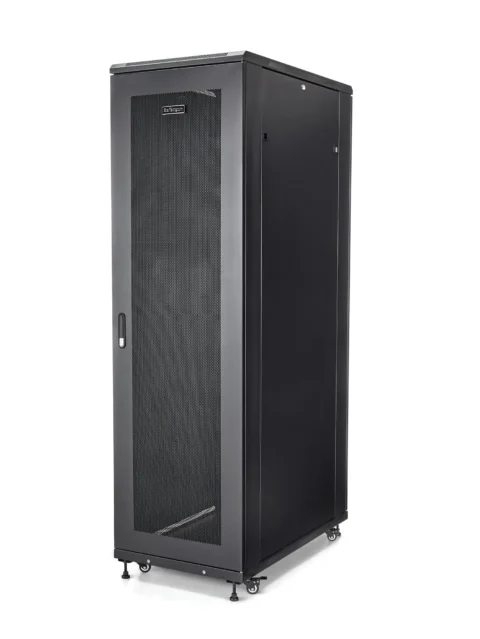
Free Standing Cabinets

Ubiquiti Access Points

TP-Link Switches
Tell us what you need. Let’s find the right equipment and approach.