

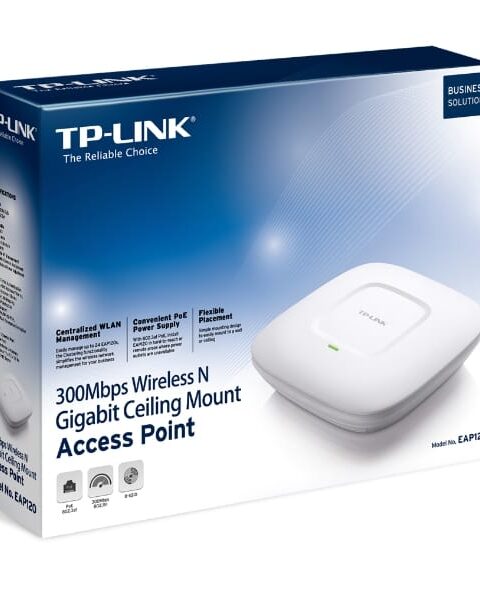
TP-Link EAP120 300Mbps Wireless Gigabit Ceiling Access Point
TP-Link Access Points
Original price was: KSh 12,760.00.KSh 7,540.00Current price is: KSh 7,540.00. Including VAT (Before VAT: KSh 6,500.00) + VAT
Add to cart
The TP-Link TL-WA801ND 300Mbps Wireless N Access Point is a reliable networking device designed to create or extend a fast and stable Wi-Fi network. It also allows Ethernet-enabled devices to connect wirelessly, making it ideal for homes, offices, and small businesses. Additionally, it provides flexible network connectivity and helps improve wireless coverage for everyday internet use.
The TP-Link TL-WA801ND 300Mbps Wireless N Access Point provides reliable wireless connectivity for homes, offices, schools, and small businesses. It delivers Wi-Fi speeds of up to 300Mbps on the 2.4GHz frequency, making it suitable for internet browsing, video streaming, and everyday networking. Additionally, this TP-Link Wireless Access Point supports multiple operating modes, including Access Point, Range Extender, Client, and Multi-SSID. Moreover, its external antennas help improve wireless coverage and signal stability. The TL-WA801ND also supports passive PoE for flexible installation in different locations. Therefore, this 300Mbps Wireless N Access Point is a practical solution for extending Wi-Fi coverage and connecting wireless devices.
300Mbps Wireless Speed: Delivers up to 300Mbps on the 2.4GHz frequency.
Wireless N Technology: Supports IEEE 802.11b/g/n wireless standards.
Multiple Operating Modes: Supports Access Point, Range Extender, Client, and Multi-SSID modes.
External Antennas: Two detachable antennas help improve Wi-Fi coverage.
Ethernet Connectivity: Features one 10/100Mbps RJ45 Ethernet port.
Passive PoE Support: Allows flexible placement using compatible passive PoE equipment.
Wireless Security: Supports WPA/WPA2 encryption to protect network connections.
Easy Setup: Provides a user-friendly web interface for network configuration.
300Mbps Wireless N speed for smooth internet access
Multiple operation modes: Access Point, Client, Bridge, and Repeater
Omni-directional antenna for extended coverage
Easy web-based management and configuration
Reliable and secure Wi-Fi connection
Ideal for home, office, and small business networks
Connect the access point to your router or network via Ethernet cable
Power on the device
Use the web interface to configure SSID, security, and network settings
Place the access point in a central location for optimal coverage
Connect devices to the Wi-Fi network
TP-Link Access Points

TP-Link Access Points
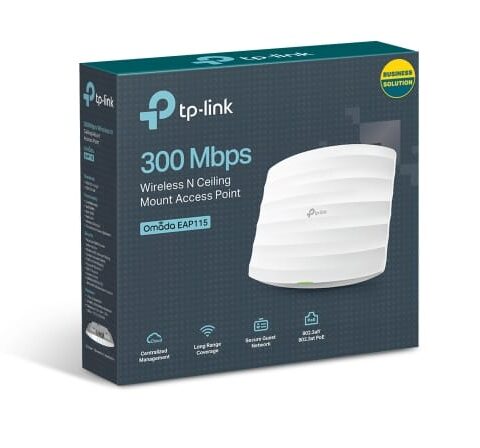
TP-Link Access Points
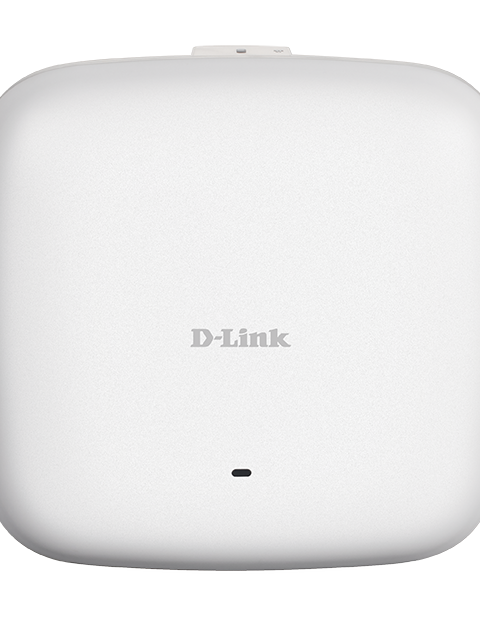
D-Link Access Points
Tell us what you need. Let’s find the right equipment and approach.