

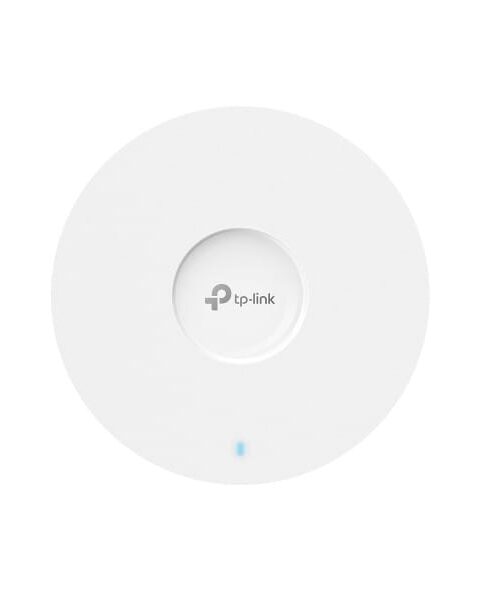
AX1800 Ceiling Mount WiFi 6 Access Point EAP610
TP-Link Access Points
KSh 12,000.00 Including VAT (Before VAT: KSh 12,000.00) + VAT
Add to cart
N600 Wireless Gigabit Ceiling Mount Access Point EAP220
The TP-Link EAP220 Wireless Gigabit Ceiling Mount Access Point delivers fast, stable, and secure Wi-Fi connectivity for offices, hotels, schools, and business environments. It features dual-band Wi-Fi speeds of up to 600Mbps, combining 300Mbps on 2.4GHz and 300Mbps on 5GHz. Additionally, its Gigabit Ethernet port supports reliable network connections and smooth data transfer. The TP-Link EAP220 also supports Power over Ethernet (PoE) for easy installation without extra power cables. Moreover, centralized management software allows administrators to manage multiple access points efficiently. Its ceiling or wall-mount design saves space and blends into modern interiors. Therefore, this TP-Link Wireless Access Point is a practical solution for expanding business Wi-Fi coverage and improving network performance.
High-Speed Gigabit WiFi – Enjoy fast browsing, HD streaming, and lag-free gaming.
Ceiling-Mount Design – Ideal for unobtrusive placement and wide coverage.
Supports Multiple Devices – Handles several users without slowing down the network.
Seamless Roaming – Smooth transition between access points for uninterrupted connectivity.
Easy Centralized Management – Manage multiple APs with TP-Link Omada Controller.
Stable & Reliable Connection – Advanced wireless technologies reduce interference.
Energy Efficient – PoE support for convenient power and network over a single cable.
Professional-Grade Performance – Perfect for offices, schools, cafes, or large homes.
Mount the AP – Install on ceiling using included bracket and screws.
Connect Power & Network – Use PoE injector or network switch for power and data.
Access Configuration – Open a browser and log in via the default IP or use Omada Controller.
Set SSID & Password – Configure WiFi name and password for your network.
Connect Devices – Join multiple devices and enjoy fast, stable WiFi.
Optional Management – Set up guest network, VLANs, or bandwidth control as needed.
TP-Link Access Points

TP-Link Access Points

TP-Link Access Points

TP-Link Access Points
Tell us what you need. Let’s find the right equipment and approach.