

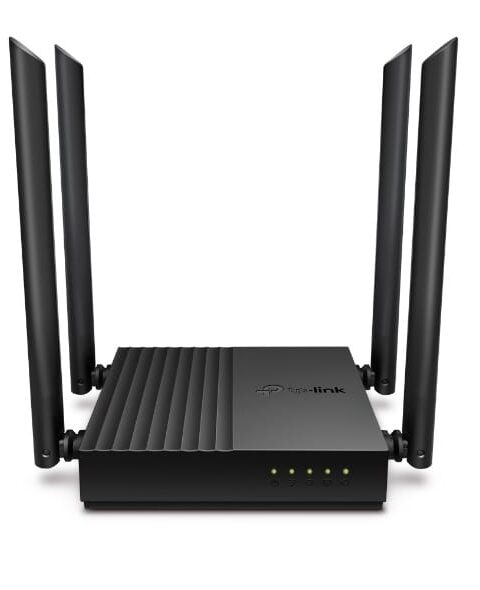
TP-Link Routers
TP-Link M7350 4G LTE MiFi, Portable Wi-Fi
The TP-Link M7350 V6.20 features a 2000mAh battery and supports microSD cards up to 32GB. In comparison, the M7350 V9 comes with a larger 2100mAh battery, USB-C charging, and microSD support up to 2TB. Additionally, Wi-Fi frequency support may vary depending on the hardware version.
KSh 8,000.00 + VATListed product price · confirm current availability with Starmount.
Request a quote for this product Discuss it on WhatsApp
Equipment supplyInstallation enquiriesDirect team contact
Know what you’re choosing
Product information
The TP-Link M7350 4G LTE MiFi is a compact and portable Wi-Fi hotspot designed to provide fast, reliable internet wherever you go. It supports 4G LTE download speeds of up to 150Mbps and allows you to connect up to 10 devices simultaneously. Additionally, its rechargeable battery provides hours of wireless connectivity without a direct power supply. Moreover, the built-in display makes it easy to monitor network status, battery life, and data usage. The TP-Link M7350 Portable Wi-Fi Router is ideal for travel, remote work, business trips, and home internet access. Therefore, it offers a convenient way to stay connected without relying on public Wi-Fi networks.
Advantages & Benefits:
-
Fast 4G LTE Speeds – Smooth streaming, browsing, and video calls anywhere.
-
Portable Design – Small, lightweight, and easy to carry in pockets or bags.
-
Supports Multiple Devices – Connect up to 10 devices simultaneously.
-
Long Battery Life – Enjoy hours of uninterrupted internet on the move.
-
Easy Setup & Use – Simple plug-and-play operation, no technical skills required.
-
Secure WiFi Network – Protects your devices with password-protected access.
-
Travel-Friendly – Works in cars, hotels, cafes, or outdoor locations.
-
Compact LCD Screen – View signal strength, data usage, and battery status at a glance.
Quick Setup Guide: TP-Link M7350
1. Insert SIM Card & Battery – Power on the device
2. Check LCD Display – Confirm signal and data connectivity.
3. Connect Devices – Search for the WiFi network and enter the password.
4. Manage Settings (Optional) – Access web interface or TP-Link app to monitor usage and change settings.
5. Enjoy Internet Anywhere – Stay connected on the go.
More options
All tp-link routers Related products.


The next step is a conversationA single product.
A single product.
Or your next big project.
Tell us what you need. Let’s find the right equipment and approach.