


24 Port PoE D-Link DGS-1210-28P Gigabit Ethernet Switch
D-Link switches
KSh 47,560.00 Including VAT (Before VAT: KSh 41,000.00) + VAT
Add to cart
(TL-SL2428P) 24-Port 10/100Mbps + 4-Port Gigabit Smart PoE+ SwitchT1500-28PCT
TP-Link TL-SL2428P 24-Port Gigabit Smart PoE+ Switch– A high-performance 24-port Gigabit Smart PoE+ switch, built to deliver fast, reliable, and flexible network connectivity for offices, businesses, and surveillance systems. Perfect for powering IP cameras, VoIP phones, and other PoE-enabled devices while managing traffic efficiently.
24 PoE+ Ports: 24 × 10/100Mbps RJ45 ports.
4 Gigabit Uplink Ports: 4 × 10/100/1000Mbps RJ45 ports.
2 Gigabit SFP Combo Slots: Supports fiber optic connections.
250W PoE Power Budget: Supports IEEE 802.3af/at PoE+ devices.
Smart Management: Supports web-based network management.
VLAN and QoS: Improves network control and traffic priority.
12.8Gbps Switching Capacity: Supports efficient data transfer.
Rack-Mountable Design: Suitable for CCTV, IP phones, and office networks.
24 Gigabit Ports – High-speed connectivity for multiple devices simultaneously.
PoE+ Support – Power compatible devices like IP cameras and access points directly through Ethernet cables.
Smart Management Features – VLAN, QoS, and IGMP snooping for optimized network performance.
Reliable & Stable Connection – Ensures smooth data transfer across all connected devices.
Energy Efficient – Reduces power consumption without compromising performance.
Easy Setup & Use – Web-based interface and intuitive configuration options.
Compact & Durable Design – Fits standard rack-mount setups while built to last.
Ideal for Businesses & Surveillance Systems – Perfect for offices, schools, or security networks.
Supports Network Expansion – Flexible solution to grow your network as needed.
Rack or Desk Placement – Install the switch in a rack or on a stable surface.
Connect Devices – Plug Ethernet cables from computers, IP cameras, or access points into the ports.
Enable PoE (if needed) – Configure PoE settings via web interface to power connected devices.
Access Web Interface – Use the default IP to configure VLANs, QoS, and monitoring settings.
Monitor & Manage – Use the LED indicators and web interface to track network activity and performance.
Enjoy High-Speed Network – Your devices are now powered and connected reliably.
D-Link switches
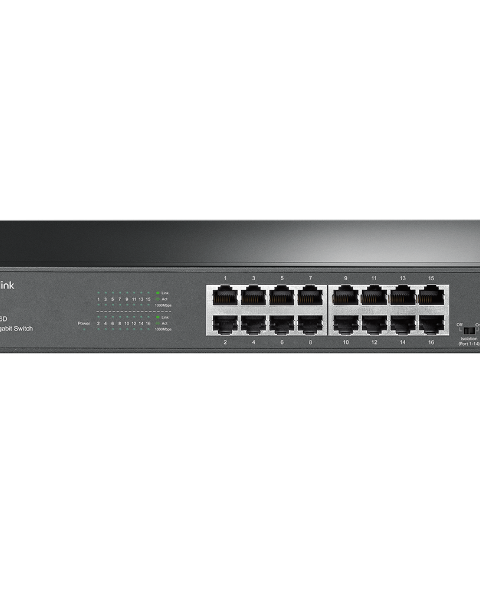
TP-Link Switches
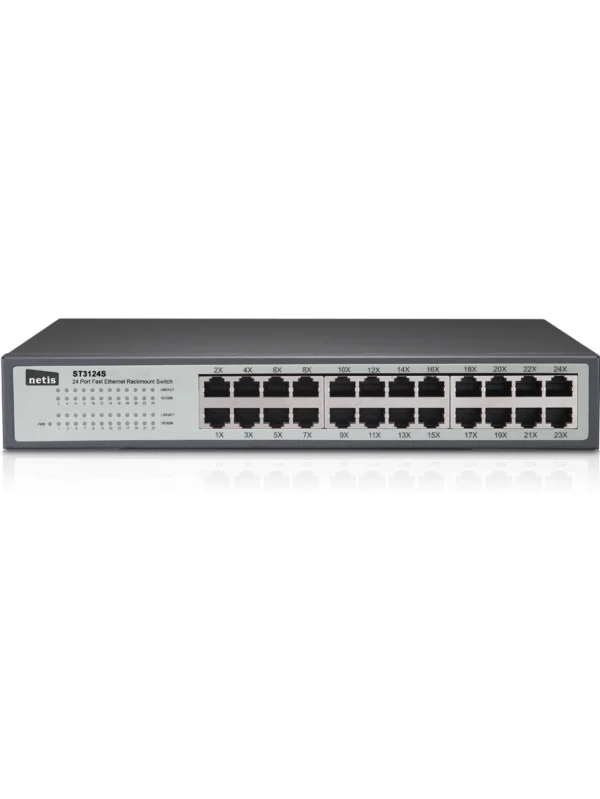
Netis Switches
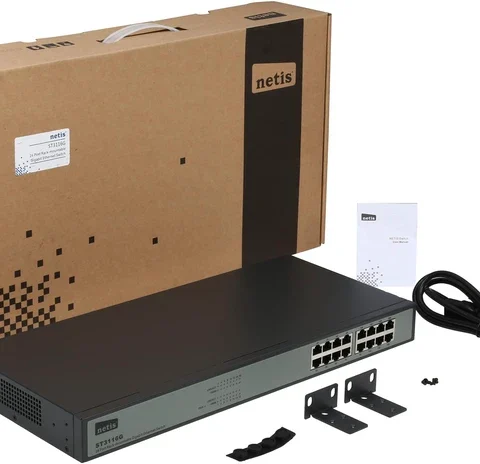
Netis Switches
Tell us what you need. Let’s find the right equipment and approach.