
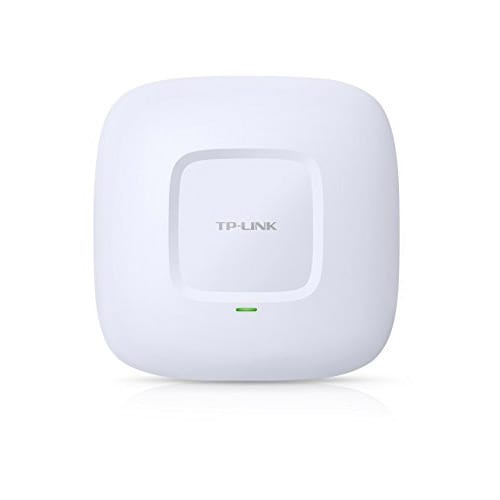

TP-Link Access Points
TP-Link EAP220 Wireless Gigabit Ceiling Mount Access Point
N600 Wireless Gigabit Ceiling Mount Access Point EAP220
Original price was: KSh 8,000.00.KSh 7,500.00Current price is: KSh 7,500.00.Listed product price · confirm current availability with Starmount.
Request a quote for this product Discuss it on WhatsApp
Equipment supplyInstallation enquiriesDirect team contact
Know what you’re choosing
Product information
TP-Link EAP220 – A high-performance wireless Gigabit access point designed for ceiling mounting, delivering fast, reliable WiFi for homes, offices, and public spaces. Perfect for seamless connectivity, multiple users, and smooth online experiences.

Advantages & Benefits:
-
High-Speed Gigabit WiFi – Enjoy fast browsing, HD streaming, and lag-free gaming.
-
Ceiling-Mount Design – Ideal for unobtrusive placement and wide coverage.
-
Supports Multiple Devices – Handles several users without slowing down the network.
-
Seamless Roaming – Smooth transition between access points for uninterrupted connectivity.
-
Easy Centralized Management – Manage multiple APs with TP-Link Omada Controller.
-
Stable & Reliable Connection – Advanced wireless technologies reduce interference.
-
Energy Efficient – PoE support for convenient power and network over a single cable.
-
Professional-Grade Performance – Perfect for offices, schools, cafes, or large homes.
Quick Installation Guide:
-
Mount the AP – Install on ceiling using included bracket and screws.
-
Connect Power & Network – Use PoE injector or network switch for power and data.
-
Access Configuration – Open a browser and log in via the default IP or use Omada Controller.
-
Set SSID & Password – Configure WiFi name and password for your network.
-
Connect Devices – Join multiple devices and enjoy fast, stable WiFi.
-
Optional Management – Set up guest network, VLANs, or bandwidth control as needed.
More options
All tp-link access points Related products.
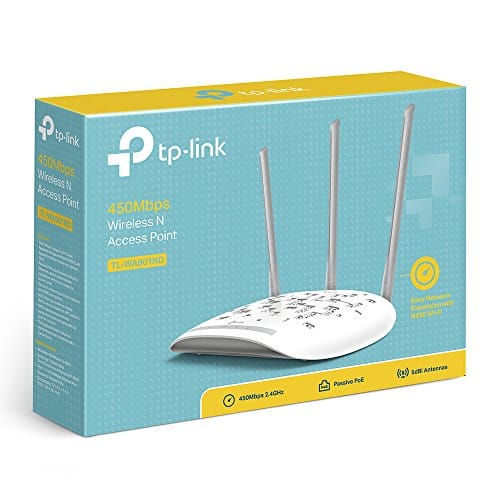
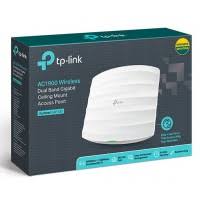
AC 1900 Ceiling Mount Access Point EAP 330
TP-Link Access Points
Original price was: KSh 25,000.00.KSh 7,000.00Current price is: KSh 7,000.00.
Add to cart
The next step is a conversationA single product.
A single product.
Or your next big project.
Tell us what you need. Let’s find the right equipment and approach.