


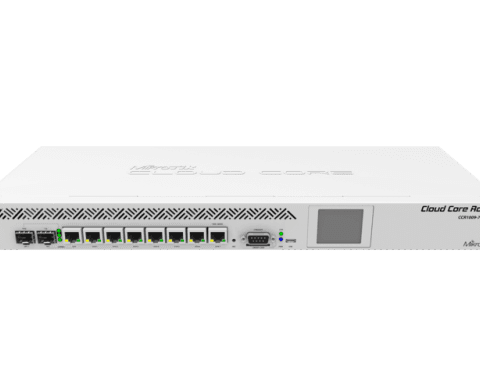
MikroTik CCR1016-12S-1S+ Cloud Core Router, 12xSFP cage
Mikrotik Routers
KSh 120,000.00 Including VAT (Before VAT: KSh 120,000.00) + VAT
Add to cart
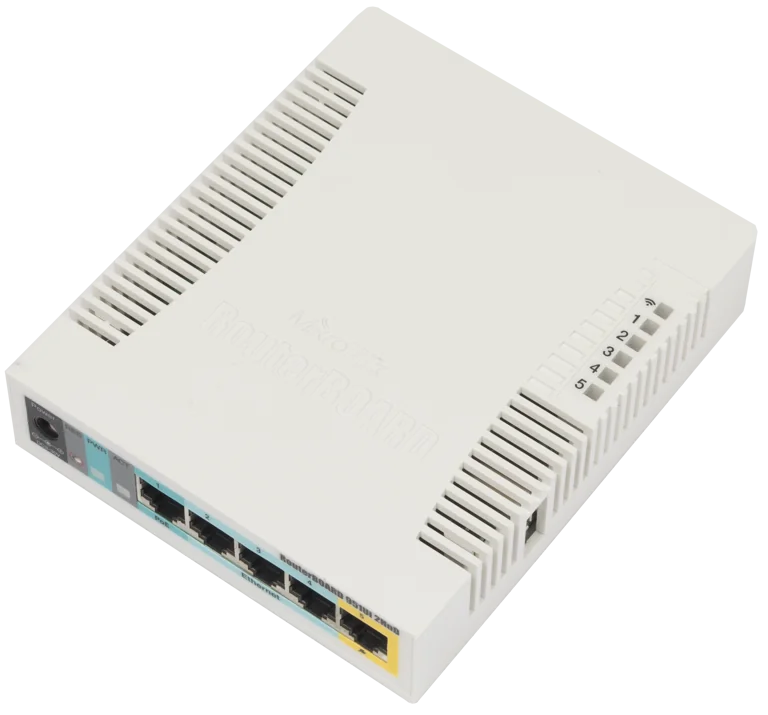
The RB951Ui-2HnD is a wireless SOHO AP with a new generation Atheros CPU and more processing power. It has five Ethernet ports, one USB 2.0 port and a high power 2.4GHz 802.11b/g/n wireless AP with antennas built in. .
Mikrotik RB951Ui-2HnD – A compact yet powerful 2.4GHz wireless access point with 5 Ethernet ports, designed to deliver stable, high-performance internet for homes, offices, and small businesses. Perfect for multiple devices, streaming, gaming, and smart home setups.
Advantages & Benefits:
Stable 2.4GHz WiFi – Smooth internet for browsing, streaming, and online work.
5 Fast Ethernet Ports – Easily connect multiple wired devices like PCs, printers, or IP cameras.
Powerful RouterOS Features – Firewall, hotspot, VPN, and advanced routing options for full network control.
Compact & Durable Design – Small footprint fits any space, with reliable long-term performance.
Supports Multiple Devices – Handles several users without slowing down your network.
Flexible Power Options – Supports passive PoE for easy placement in different locations.
Quick Setup & Management – User-friendly interface and web-based configuration.
Ideal for Home & Office – Perfect for everyday internet, work-from-home setups, or small business networking.
Quick Installation Guide:
Place & Power Up – Put the device in a central location and connect the power adapter.
Connect Wired Devices – Use the 5 Ethernet ports for PCs, printers, or other devices.
Access Router Interface – Open a browser, go to 192.168.88.1, username: admin (password blank).
Configure WiFi – Use the setup wizard to set SSID and password.
Advanced Options (Optional) – Set up firewall, hotspot, VPN, or parental controls if needed.
Connect & Enjoy – All devices are ready for fast, stable internet.
Mikrotik Routers

Mikrotik Routers
Mikrotik Routers
Mikrotik Routers
Tell us what you need. Let’s find the right equipment and approach.